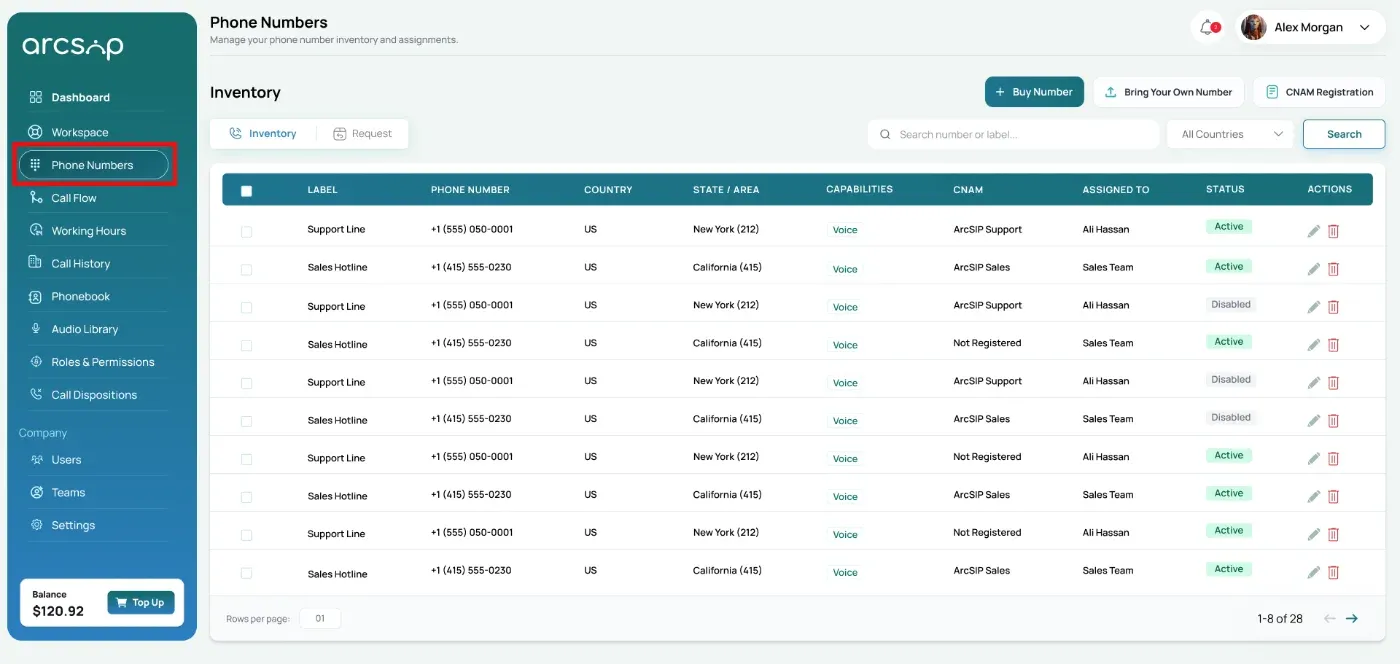

Search and Filter Your Numbers
Use search and filters to quickly locate a specific phone number or label in your inventory.
- To find a specific number or label: Enter the phone number or label in the search bar, then click the Search button.
- To filter by country: Select a country from the All Countries filter, then click the Search button.
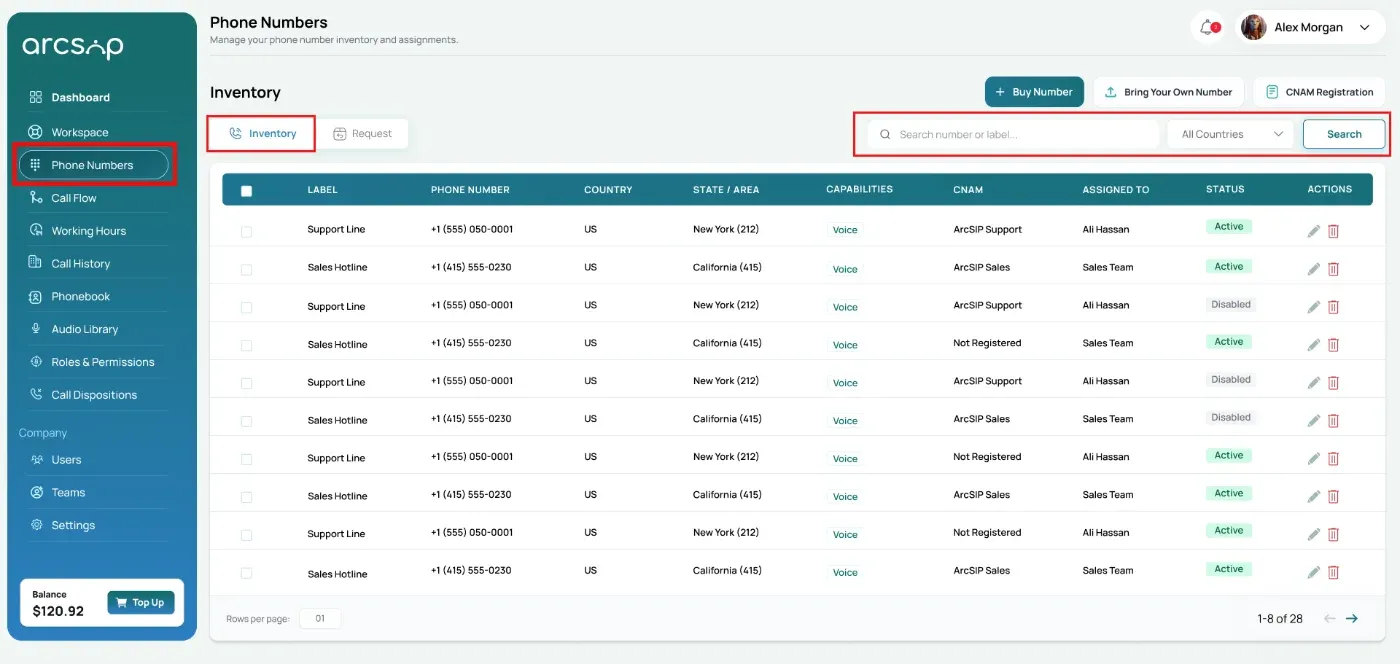
Note: The inventory table will show the results that match your search or filter.
Inventory Table Overview
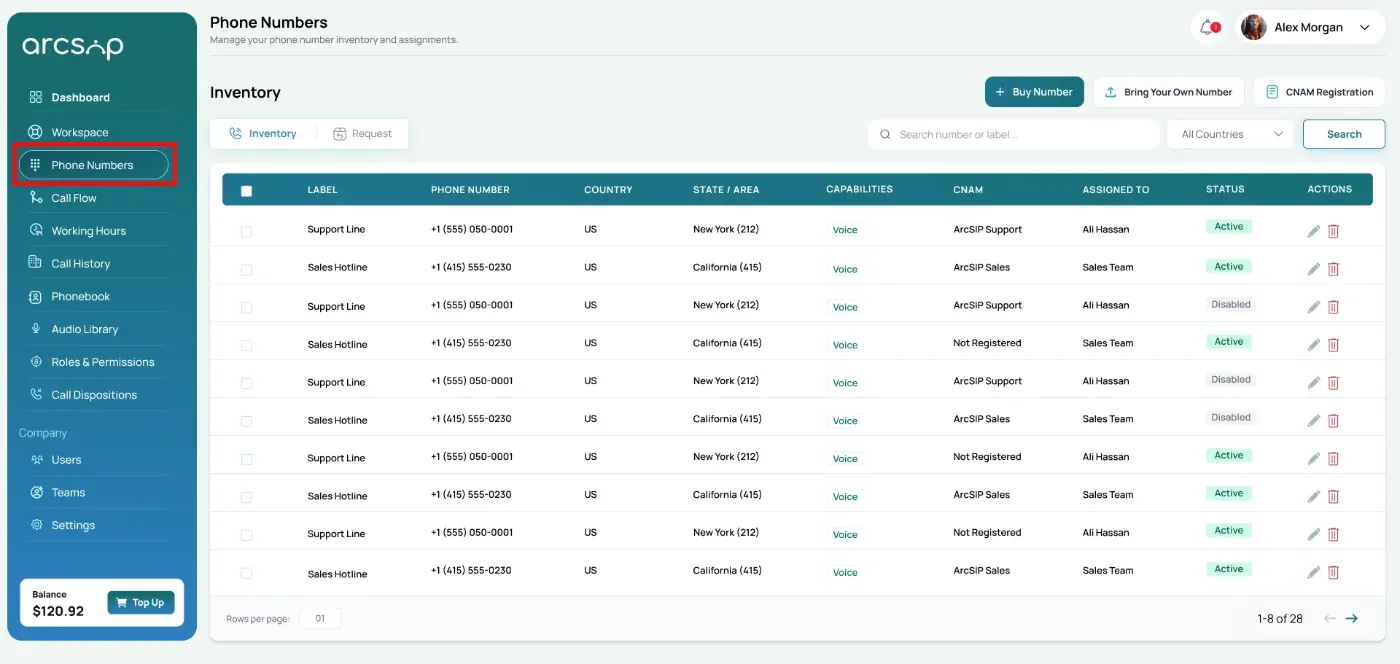
A table displays each phone number with key details to help you understand its configuration, including:
- Label: A customizable name used to identify the purpose of the number (e.g., Support Desk, Sales Hotline)
- Phone Number: The number displayed in international format
- Location Details (Country & State/Area): The geographic region where the number is registered
- Capabilities: Shows what the number is capable of, such as Voice calling.
- CNAM Status: Indicates whether a Caller ID Name is registered and displayed on outbound calls
- Assigned To: The user or team currently handling calls for this number
- Status: Shows whether the number is Active (in use) or Disabled (inactive)
Actions
- Edit: Update phone number settings, assign users or teams, configure call flows, working hours, recordings, voicemail, and audio preferences.
- Delete: Permanently remove the phone number from your account.
Warning — This action cannot be undone and will release the number back to the carrier network.