test
Loading...
A calling setup your team can run from the browser, handling inbound, outbound, routing, and call records for everyone from a 3-person team to a 5,000-agent operation.
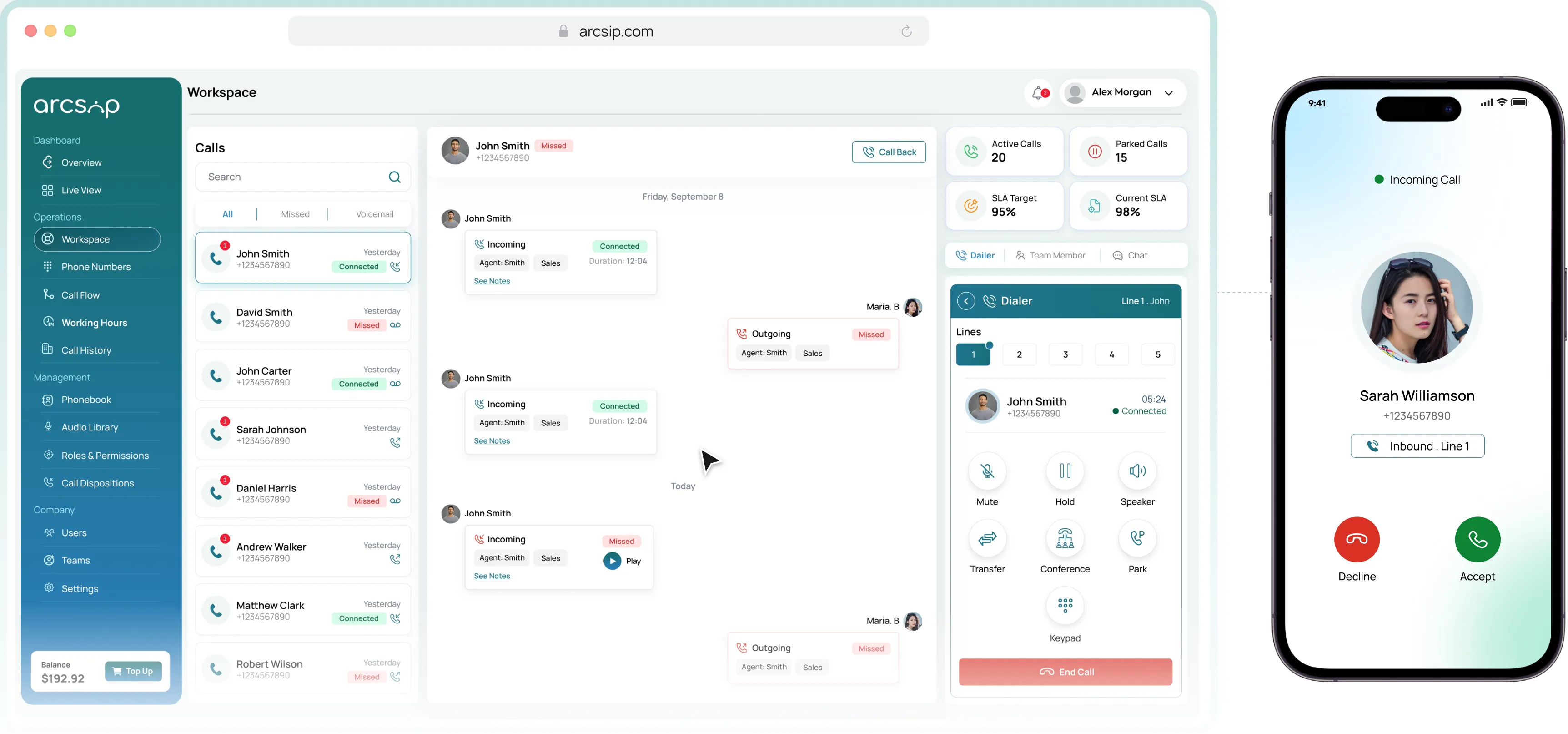
Inbound, outbound, routing, and records for every team, in one place. arcsip handles how calls come in, who they reach, and what happens after, without hardware or an IT project to set it up.

Five lines per user, so a second call never hits voicemail.

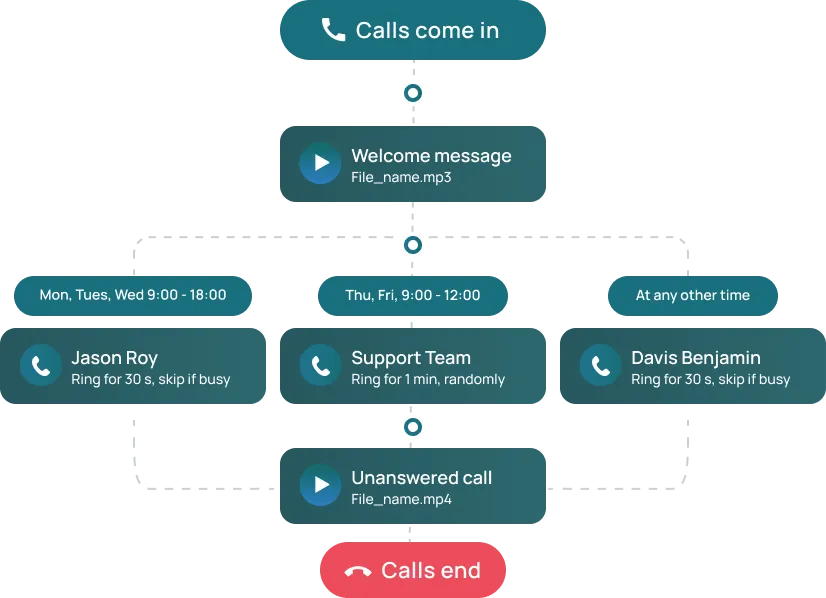
Send each caller to the right person or team before anyone picks

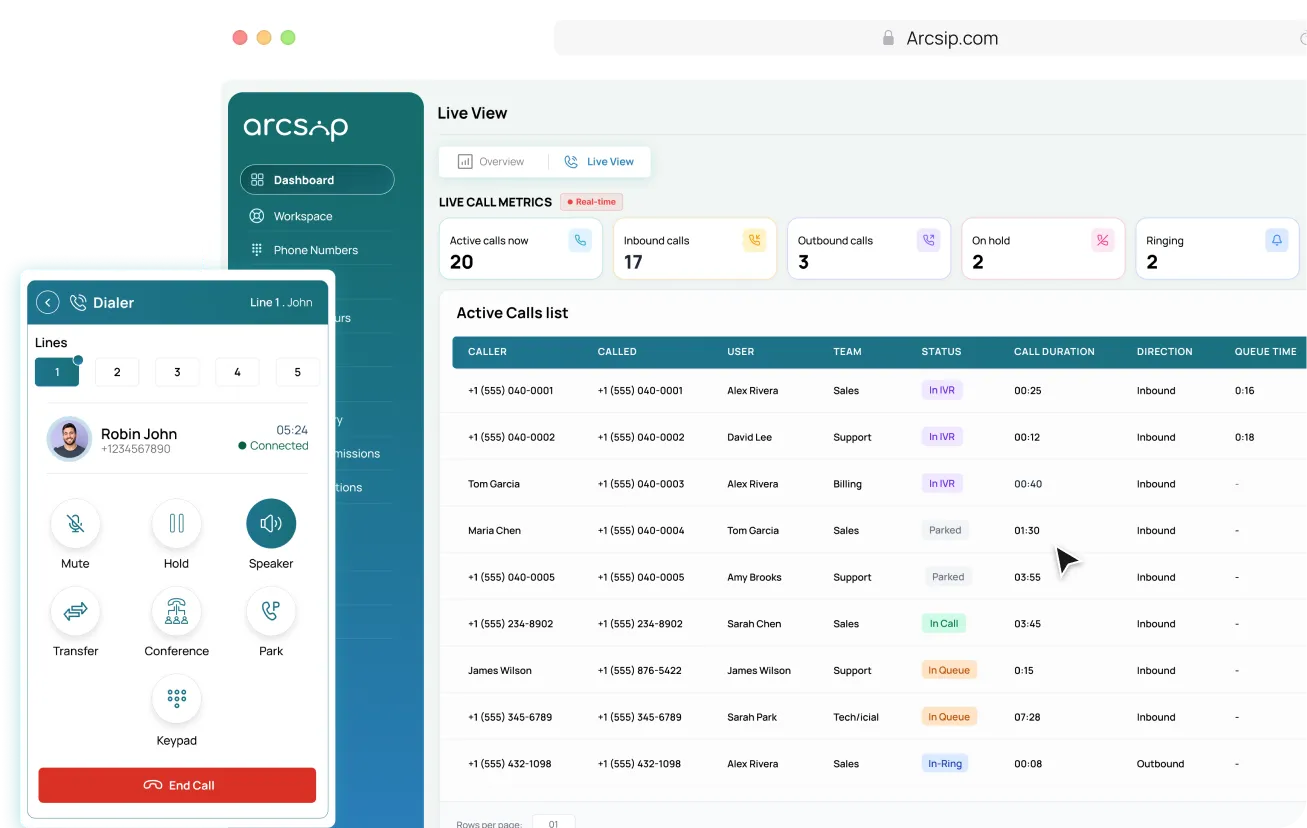
Dialer, history, notes, and chat on one screen.

Record the lines that matter, with a caller notice where it is required.
Without Arcsip
Calls, chat, and team messaging sit in separate tools nobody keeps in sync.
Adding a user or a new line means a ticket, a wait, and often a cost.
Agents hunt across tabs for history while the caller waits on the line.
A call drops to voicemail because the one person on that line was busy.
Supervisors find out about a missed call or a long wait the next day.
Transfers start the customer over from scratch with the next agent.
With Arcsip
Calls, routing, records, and team chat live in one browser workspace.
Add a user, buy a number, or change routing yourself in minutes.
Caller history sits on the same screen as the call, ready before hello.
Five lines per user keep a second caller off voicemail.
Every inbound call connects the right agent or team automatically, reducing wait times and missed calls.
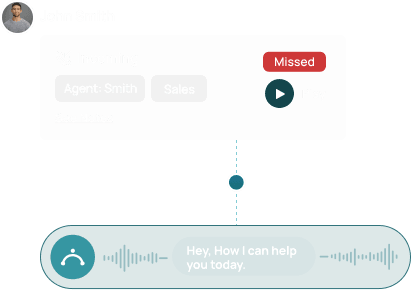
Each call is recorded, securely stored, and ready to play back whenever team needs to revisit conversation
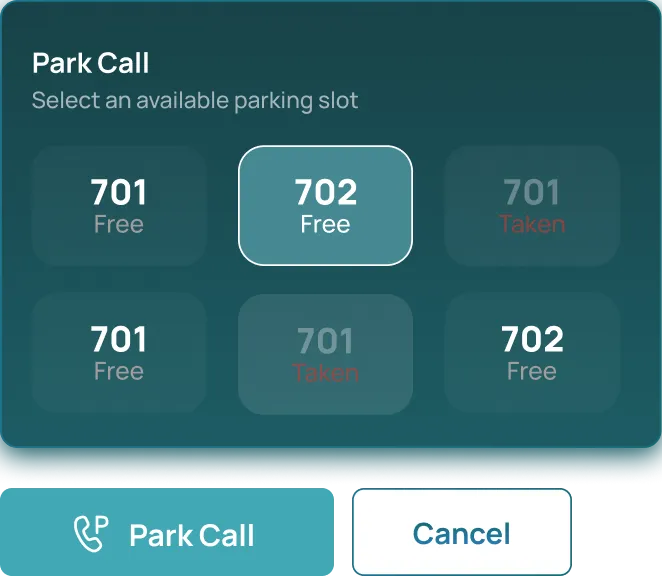
Park active calls so team members can retrieve and continue the conversation without losing the caller.
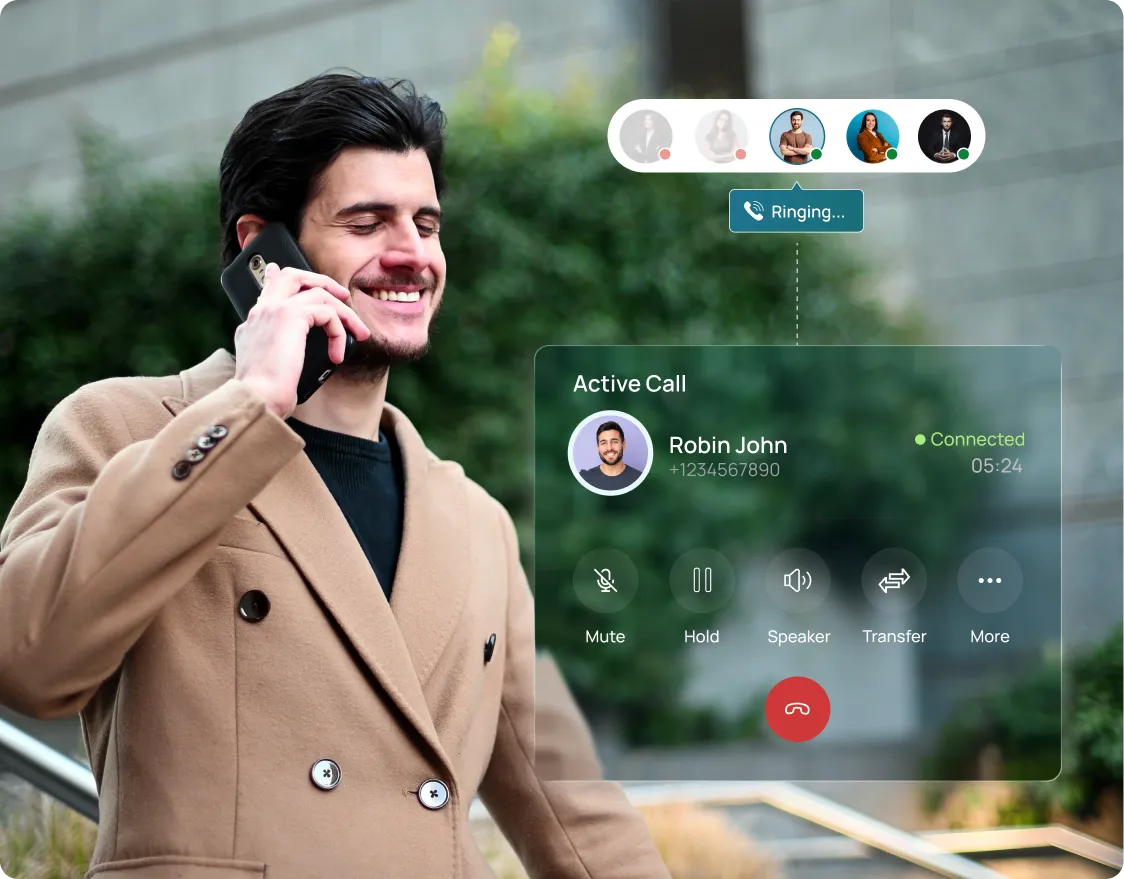

Most setups split the dialer, the call history, the team directory, and messaging across separate tools. arcsip puts them on one screen, built around how people actually handle a call. The same workspace runs a 3-person team and a 5,000-agent floor, with no separate version to outgrow.
Book A Demo
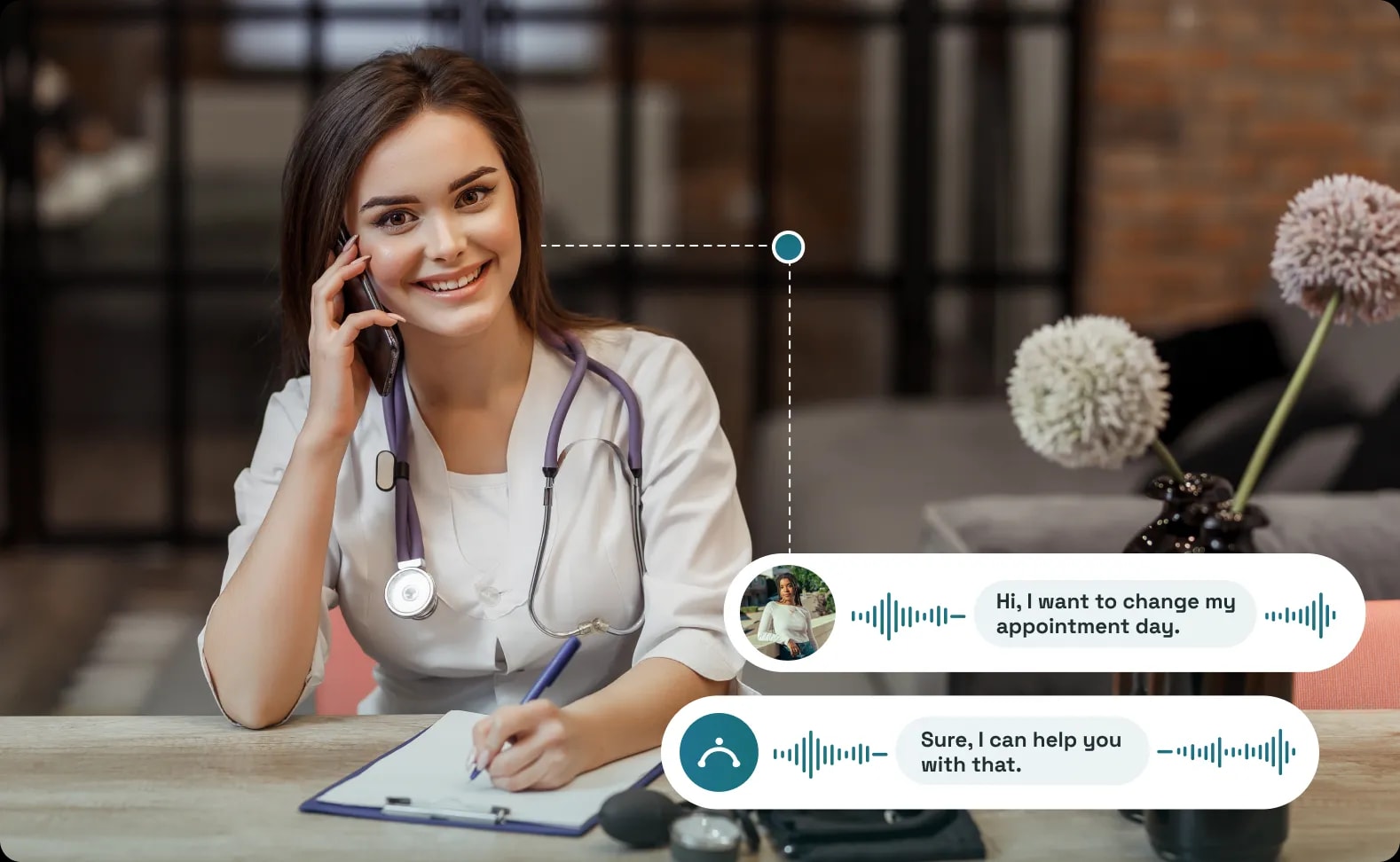
Every call recorded, with an automatic notice played to the caller. Searchable, exportable, and stored to the same standards as the rest of your records.
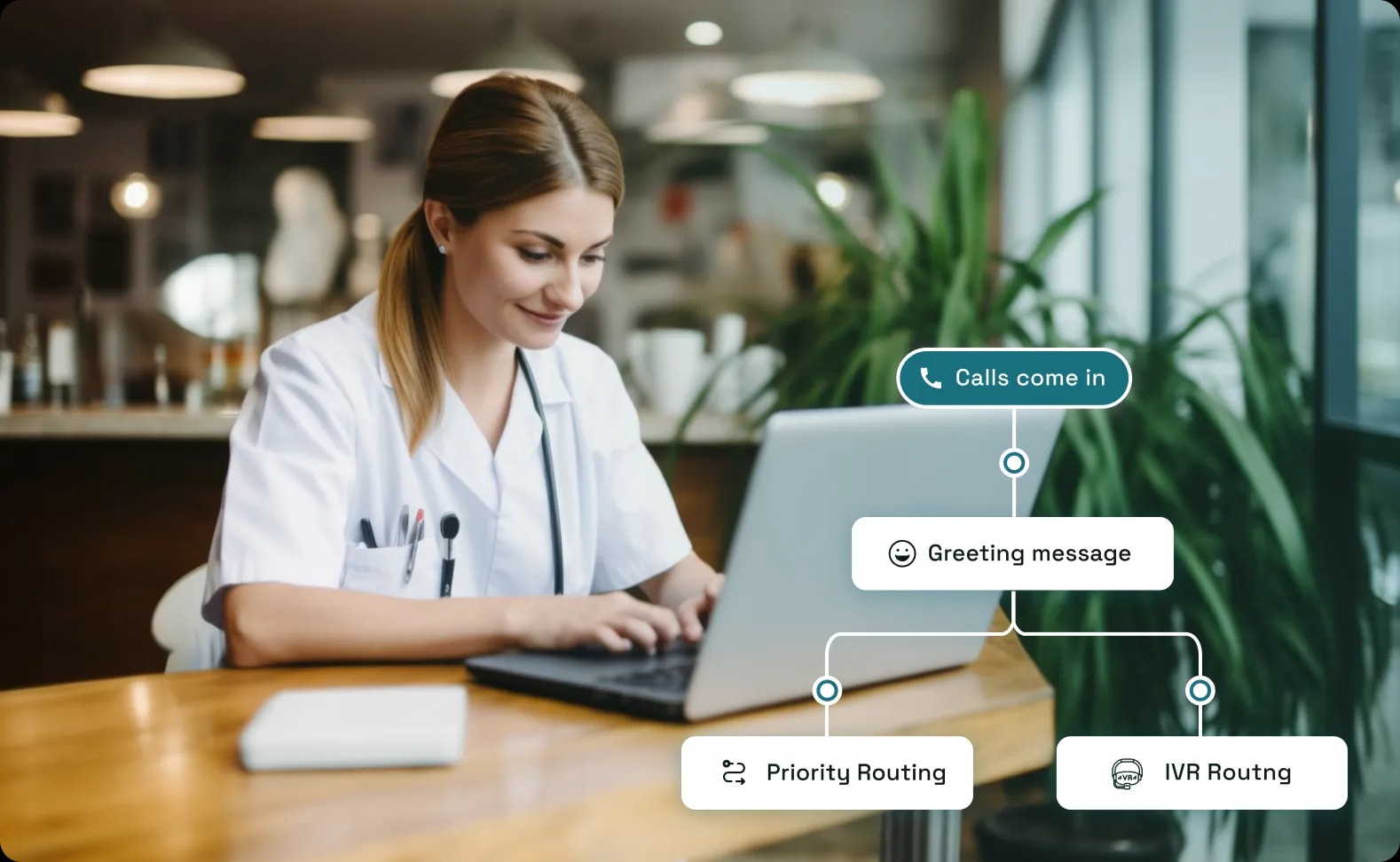
An IVR menu separates appointments from urgent queries at the first second of the call. Clinical staff are not interrupted with bookings. Receptionists are not asked clinical questions.
Start in minutes from your browser, invite your team, and handle inbound, outbound, routing, and records from one workspace built for how your business actually calls.

Records live in scattered places that take time to pull together later.

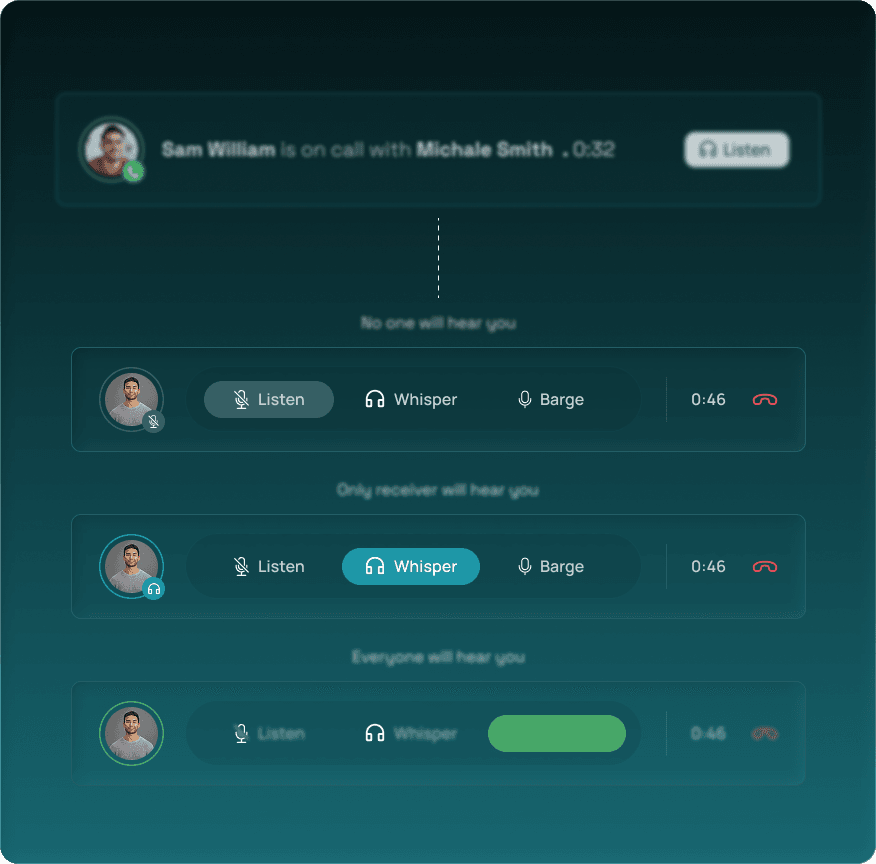
Live View shows active calls, queues, and waits as they happen.
Live Notes carry context to whoever picks up a transfer or parked call.
Call History keeps every call, recording, and note searchable in one place.