
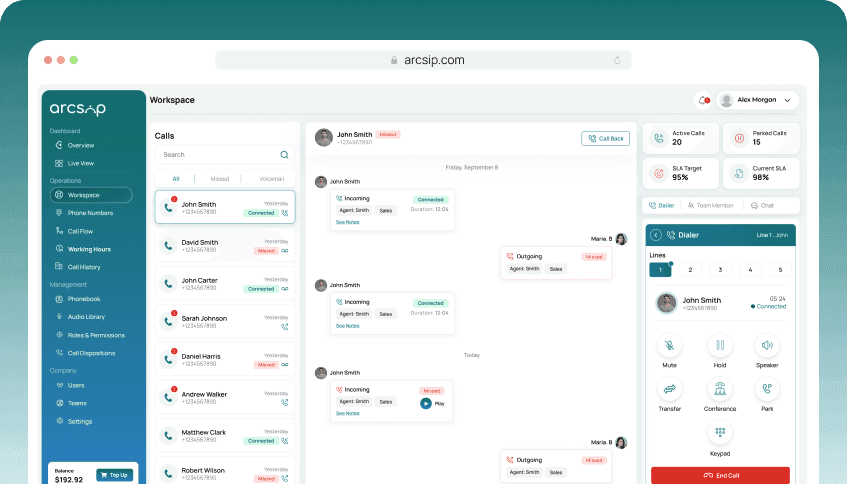
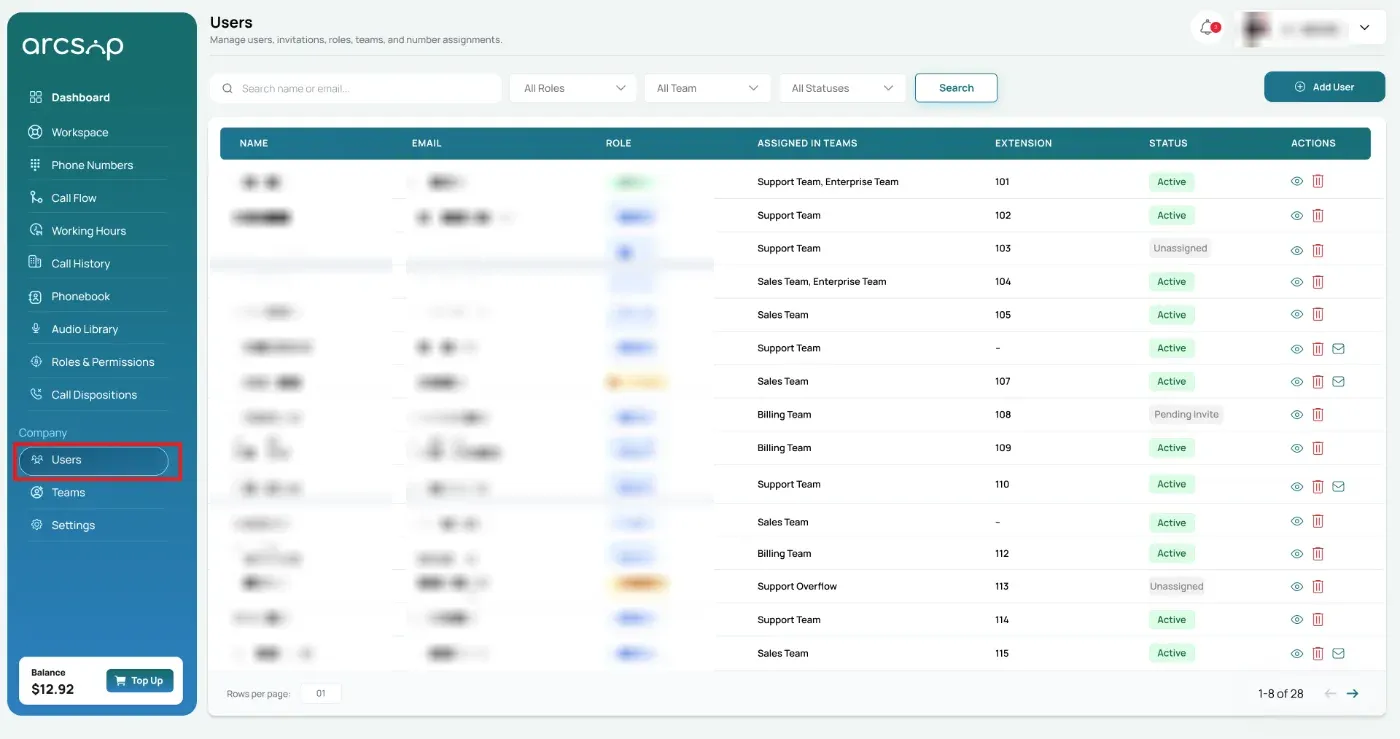
From the left menu, click Users. You will be redirected to Users Management.
Account Ownership Rules
User invitation can only be performed by Owners and Admins. Supervisors and Users do not have permission to manage user invites.
Search and Filter Users
Search by name or email and filter users by status (such as Pending Invite) to quickly find invited users.
View Invitation Details
In the Actions column, click the View icon to open the invitation details.
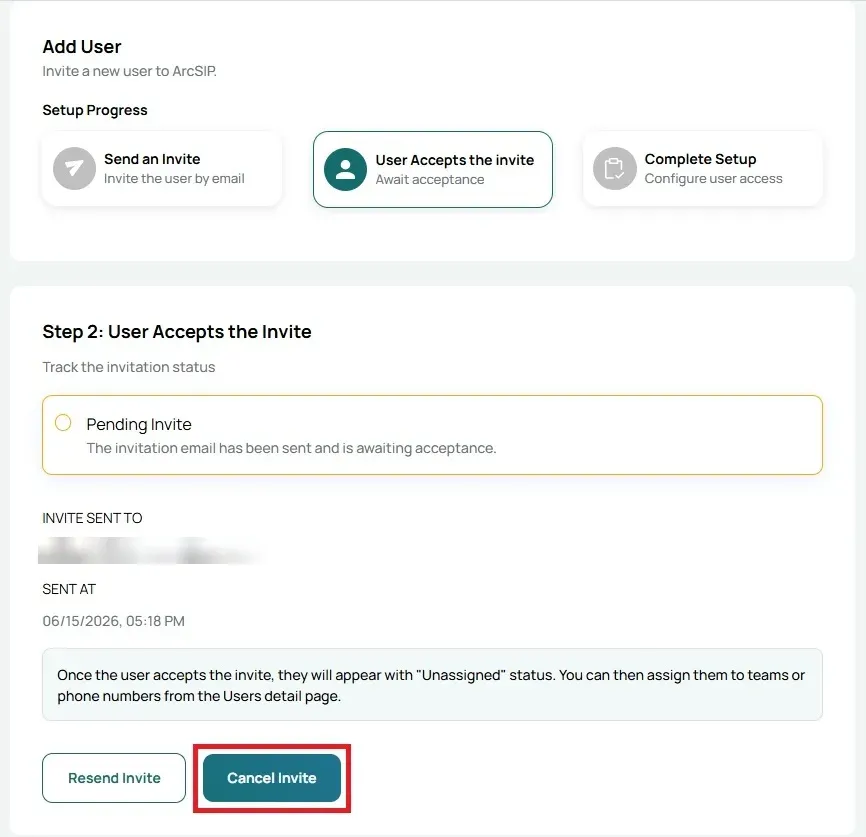
The user will appear with a Pending Invite status, with the email address the invitation was sent to and the date and time it was sent.
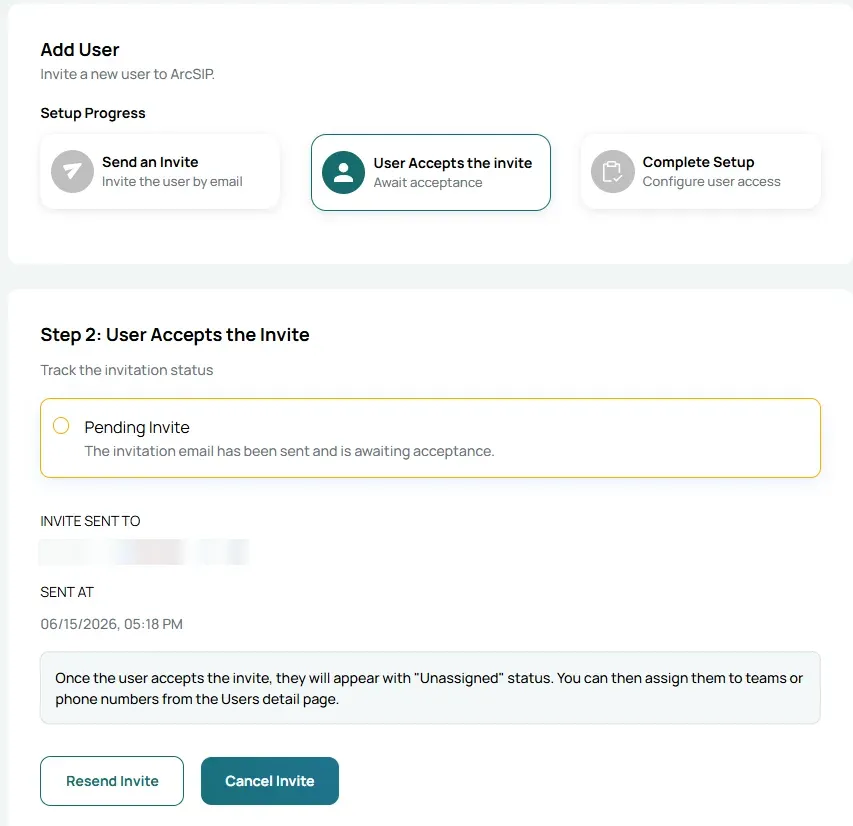
Click Resend Invite to send the invitation email again if the user has not received or accepted the original invitation.
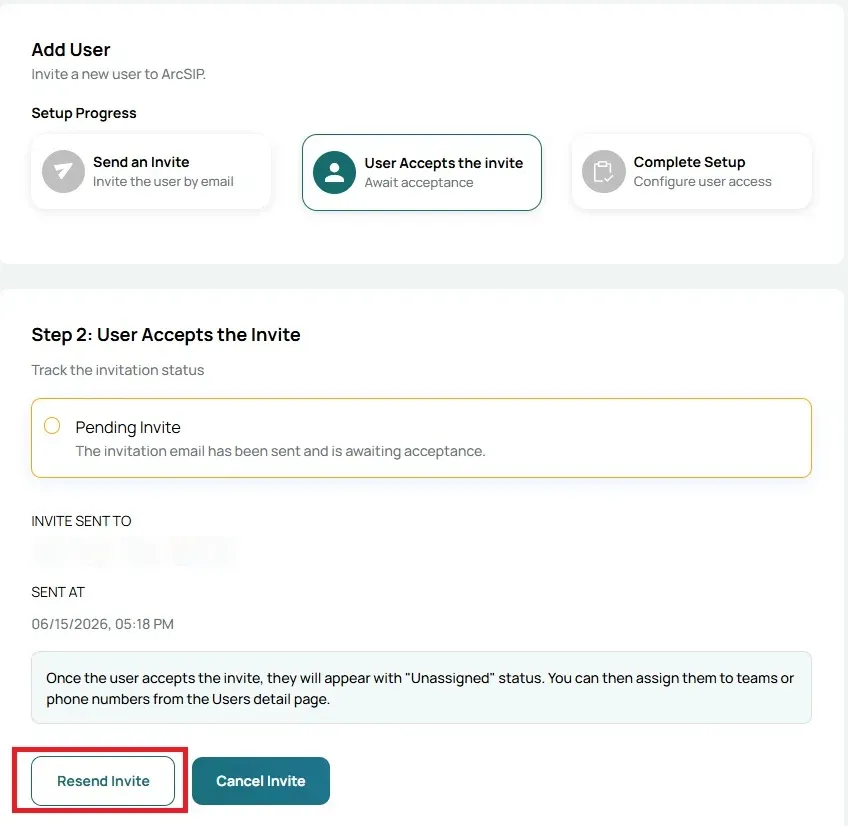
Click Cancel Invite to revoke the invitation before it is accepted. Once canceled, the user will no longer be able to use the invitation link to join ArcSIP.